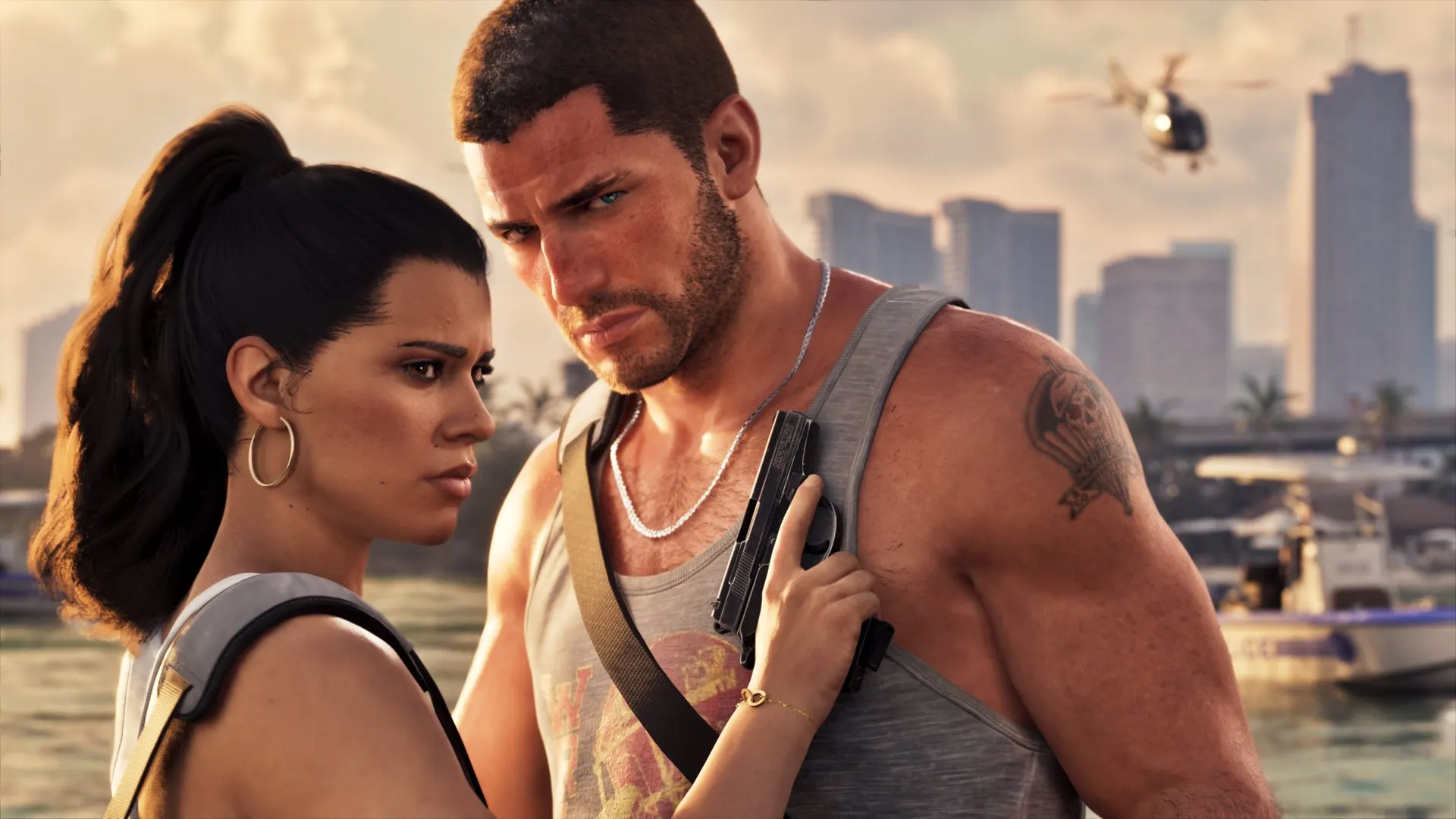
GTA 6 autosaves after missions and some open-world events. To save yourself, open the pause menu, go to Game, then Save Game. There are 15 manual slots, but manual saving only becomes available after the Prologue, according to GameRant.
When you reach Jason’s marina house, usually after the first job for Brian
Active cheat
Saving blocked until the session ends
Our tips
Keep a separate manual slot before a heist or a big mission. You can’t replay a finished mission, according to PowerPyx: a manual save is the only way back.
Save before using a cheat: cheats disable saving and trophies for the session.
This information comes from a single source (GameRant) for now. We will check it in game.
FAQ
How do you manually save in GTA 6?
Pause menu, Game, then Save Game. Pick an empty slot or overwrite an old save.
How many save slots does GTA 6 have?
15 manual slots, plus the autosave, according to GameRant.
Why can't I save?
Manual saving is disabled during the Prologue. It unlocks once you reach Jason's marina house, usually after the first job for Brian. It is also blocked while a cheat is active.
When does GTA 6 autosave?
After you finish a mission and after some open-world events.
How do you load a save?
Pause menu, Game, then Load Game. Pick the autosave or a manual save.